
Audience demand
People keep asking for tool comparisons and beginner workflows.
OutlierView is a YouTube content research workspace for creators and channel operators. When you choose to connect YouTube, it uses the channel information, uploaded-video history, and analytics you authorize—together with public comments, competitor research, and transcript patterns—to help you choose and save an evidence-backed idea for your next video.
No credit card required. 30 free credits included.
Audience demand
37 similar comments
Competitor proof
3.8x above baseline
Evidence-backed idea
Saved with its source
Illustrative signal results for workflow demonstration. The real public creator profile and videos used in the example board are linked to their YouTube sources.
Example signal board
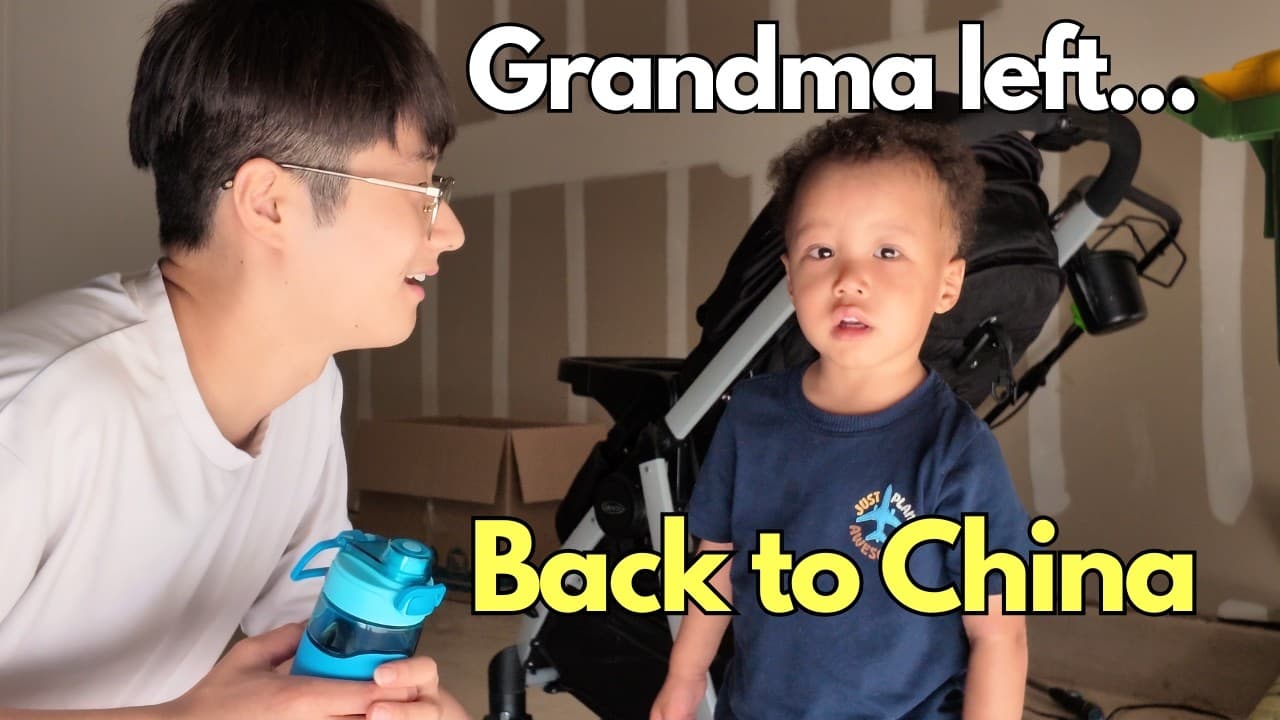
9.1K public views
Grandma Goes Back to China… Our Son Was So Sad | Days in the Life

5.6K public views
Days in the Life ☀️ Summer Fun, Car Wash & New DJI Camera

12K public views
Leaving My Family for 3 Weeks…
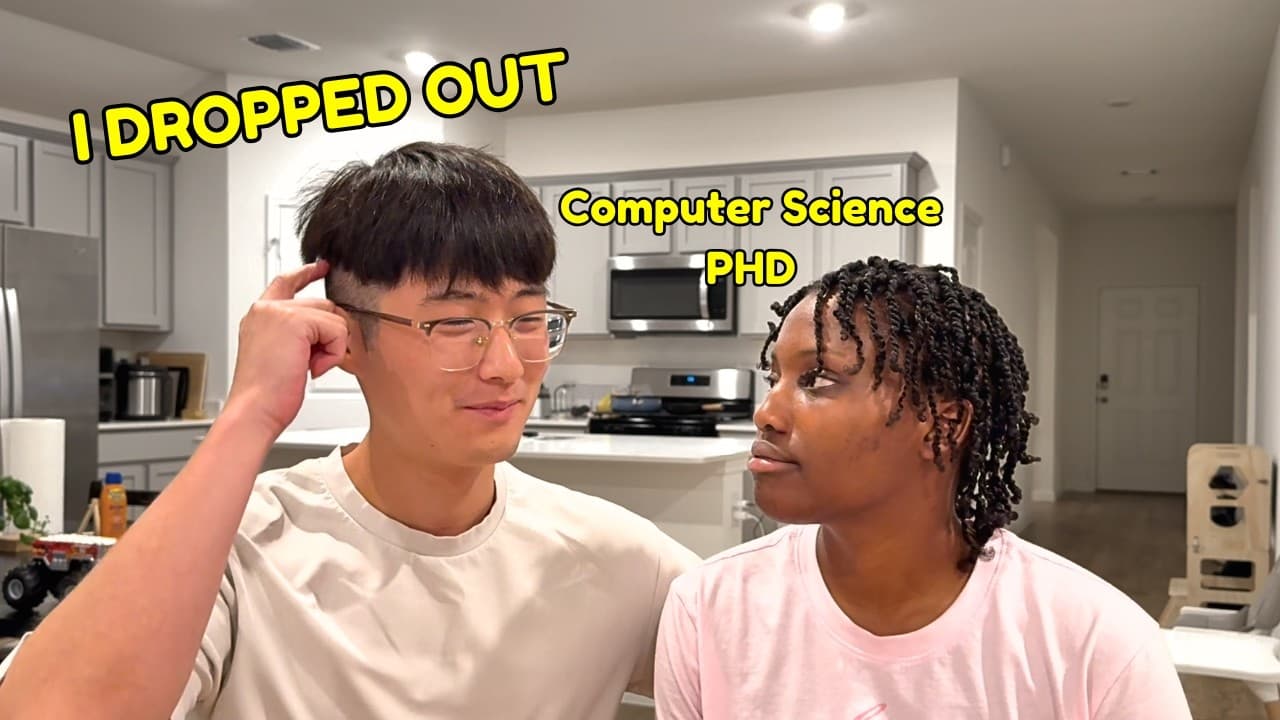
38K public views
I asked my husband why he didn't finish his PhD in computer science
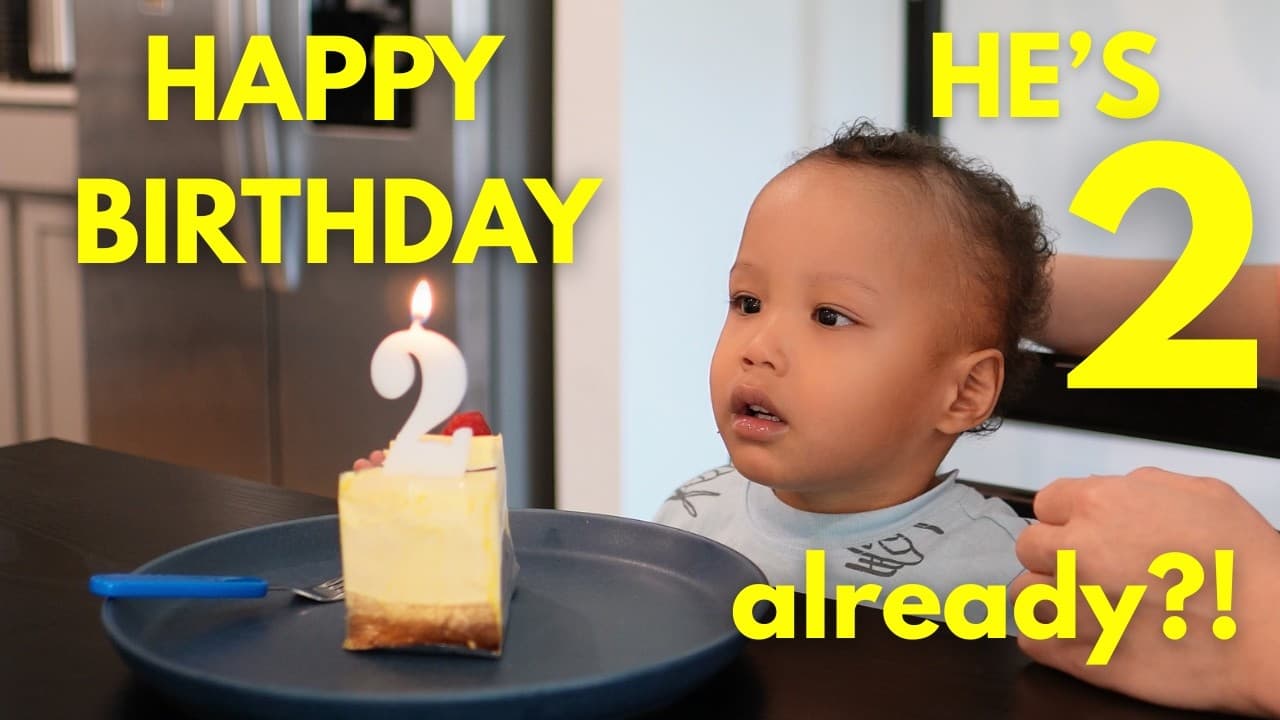
6K public views
Our Son's 2nd Birthday + Indoor Play Park Fun
Competitor proof
3.8x
Competitor comparison upload above channel baseline.
Evidence-backed video idea
I tested the three creator tools everyone recommends.
Real public channel profile and recent video thumbnails from Tiki & Jie Jie (@TikiJieJie). Public profile and video metrics checked July 12, 2026. Audience demand, competitor proof, and the saved video idea are illustrative.
Real product UI
These captures come from the current OutlierView product—not a marketing mockup. The overview keeps audience demand, competitor proof, transcript patterns, and channel context in view; the backlog keeps each next-video idea tied to its source.
Permissioned product evidence
Creator-owned demo workspace, approved for this public showcase and captured July 13, 2026. Example content is demonstration data; no performance result is claimed.
01 · Evidence overview
Inputs stay visible before an idea is saved
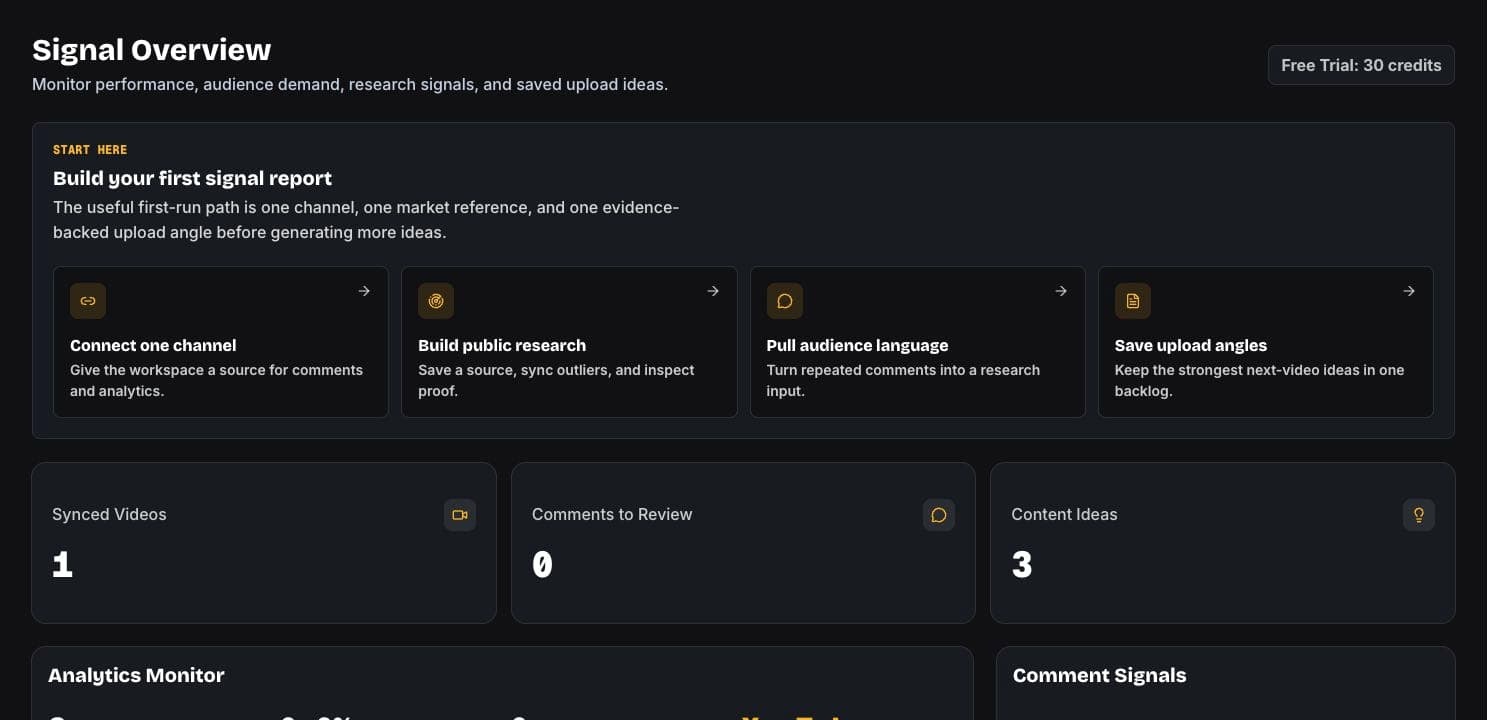
02 · Saved outcome
One backlog, with the source attached
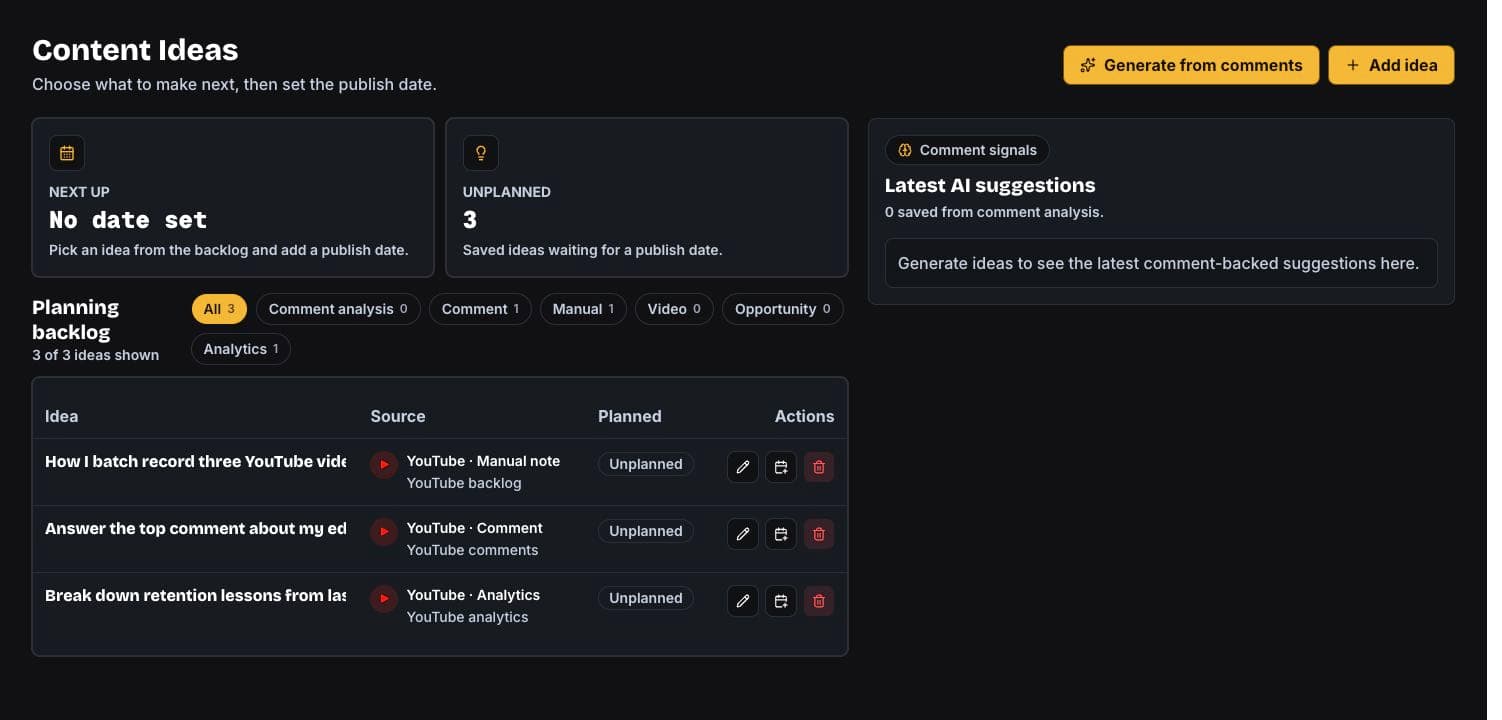
Permissioned workflow outcome
In the owner-approved live workspace, example ideas are organized by where each one came from. This is an operational outcome, not a claim about views or revenue.
1
synced video in the captured workspace
3
next-video ideas organized in one backlog
3
source types: manual, comments, analytics
How it works
The first useful moment is not an empty dashboard. It is a decision surface that shows what viewers asked for, why it matters, and which evidence-backed video idea to make next.
People keep asking for tool comparisons and beginner workflows.
best setup, worth paying for, beginner stack, what changed
A competitor comparison upload beat channel baseline this week.
I tested the three creator tools everyone recommends.
Product capabilities
01 - Audience demand
Sync YouTube comments or analyze a public video URL, then group repeated asks, objections, and requests into visible audience demand.
OutlierView keeps the evidence visible, including matching comments, research summaries, and reply state for connected YouTube comments.
Live workspace
Audience demand
OutlierView
37
similar asks
02 - Competitor proof
Track competitor channels, compare videos against their recent baseline, and turn competitor proof into original video ideas.
Research records keep competitor proof visible with baseline scores, why-it-worked notes, title patterns, hook patterns, and generated video ideas.
Live workspace
Competitor proof
OutlierView
3.8x
above baseline
03 - Transcript patterns
Paste a YouTube channel, collect transcripts, choose language settings, and see each video move from queued to saved.
OutlierView shows progress, stores transcript snippets, supports retries or cancellation, and respects plan limits before a batch starts.
Live workspace
Transcript patterns
OutlierView
04 - Channel context
Connect YouTube, review channel context, manage saved video ideas, and keep research usage tied to workspace credits.
The dashboard includes analytics, content library, connected accounts, billing credits, and plan limits for each workspace.
Live workspace
Channel context
OutlierView
Signal sources
Audience demand, competitor proof, transcript patterns, and channel context stay connected to one decision surface instead of becoming separate research trails.
Cluster repeated questions, complaints, requests, and praise before they disappear in the comment feed.
Compare competitor videos against their baseline and flag the video ideas that are actually over-performing.
Study repeated hook patterns, claims, and structures, then adapt them to your own voice.
Keep the strongest signal and its source evidence together so the next publishing decision is visible.
Illustrative workflow metrics. The Tiki & Jie Jie channel profile and linked public video data are real; audience demand, competitor proof, and the saved video idea are demonstration values.
184
audience demand
collapsed into one buying-decision cluster
37
demand phrases
matched across setup, paid tools, beginner stack
3.8x
competitor proof
above competitor channel baseline
1
video idea
ready before the first scripting pass
Resources
Read creator guides, sample reports, method-backed examples, and comparison guides built around audience demand, competitor proof, transcript patterns, and channel context.
Creator guide
7 min read
You may have too many possible ideas and no clear reason one deserves the next upload slot.
Read resourceSample report
6 min read
A sample report showing audience demand, competitor proof, and a recommended evidence-backed video idea for a creator-tool channel.
Read resourceData breakdown
5 min read
A breakdown of the signals OutlierView would check before recommending a creator-tool comparison video.
Read resourceComparison guide
4 min read
A buyer-friendly hub for understanding where OutlierView fits against established creator research and SEO tools.
Read resourcePricing
The trial includes enough credits to connect YouTube, inspect the first signals, and decide if OutlierView fits your publishing workflow.
Free
30 one-time credits
Try the core workflow without a card.
$9.99/mo
200 credits / mo
For creators validating one repeatable content system.
$19.99/mo
1000 credits / mo
For channels using signals before every upload.
Custom Pricing
Custom credits and usage
For creators, brands, and teams managing multiple channels.
Practical answers for creator teams.
Most analytics tools explain what happened after publishing. OutlierView helps decide what to make next by combining audience demand, competitor proof, transcript patterns, and channel context.
Yes. OutlierView starts with a free trial and 30 one-time credits so creators can inspect the workflow before adding a payment method.
Credits are used when OutlierView refreshes research, analyzes a connected channel, imports transcript batches, or generates a deeper competitor-research report.
OutlierView requests YouTube access so it can identify the connected channel, sync authorized channel metadata, content history, and comments, and display YouTube Analytics reports inside your workspace. It does not upload, edit, or delete YouTube videos.
Finish onboarding, connect YouTube, then open Comments or Research to save the first evidence-backed video idea from real channel data.
Next upload